
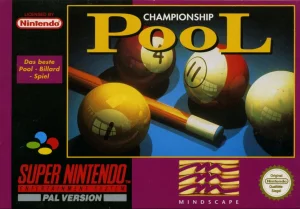
About Championship Pool
Championship Pool is a top down simulation of billiards for the NES, featuring several distinct modes of play. The primary tournament structure involves a lengthy bracket where the player must win a first to four match against each of 32 opponents to advance to a World Championship, with a single loss resulting in elimination. During these matches, the opponent's turns are not animated; play simply returns to the player with the table state altered.
Gameplay utilizes a moving icon for targeting, assisted by a repeating ghost image preview that shows the path of the cue ball and the first object ball it will strike. This aiming aid updates to reflect adjustments to shot power and spin. The margin for error is described as very small, particularly on long or sharp angle shots, where the ghost preview may cycle through random possible outcomes.
Beyond the tournament, a Challenge mode offers solo variants. These include timed Speed Pool, a Three Ball efficiency test, and several point based games like 14.1 Continuous and Eight Ball where the player attempts to run the table in one turn. A separate Party mode facilitates multiplayer for two to eight participants, supporting standard rule sets like Nine Ball and Rotation, as well as specialized games such as One Pocket, where each player is assigned a specific pocket.